SystemWindows 10 or 11 (64-bit)
Graphics cardOpenGL 4.6
Memory4 GB or more
Disk spaceLess than 1 GB, including game data
InternetFor the first start and to play online
Minecraft versionJava Edition 26.3
What is Opus Client?
Opus is a program to play Minecraft Java Edition, with its own launcher. It was rewritten from the ground up, without any code from Mojang, to be faster than the original.
Can I play on regular Minecraft servers?
Opus talks to servers in exactly the same way as Minecraft 26.3, including the encrypted connection. Signing in with your Microsoft account is built in and turns on as soon as Mojang has approved Opus; until then you can play singleplayer and on servers that do not require a Microsoft account.
Can I play on my own?
Yes. Under Singleplayer you create new worlds or open your worlds from the regular Minecraft launcher, with your own inventory and position. Opus uses the official Minecraft server on your own computer for this, so everything works exactly the way you are used to.
Where do the textures and sounds come from?
Opus does not ship any files from Mojang. The first time, the launcher downloads the game data directly from Mojang's official servers.
Is it safe?
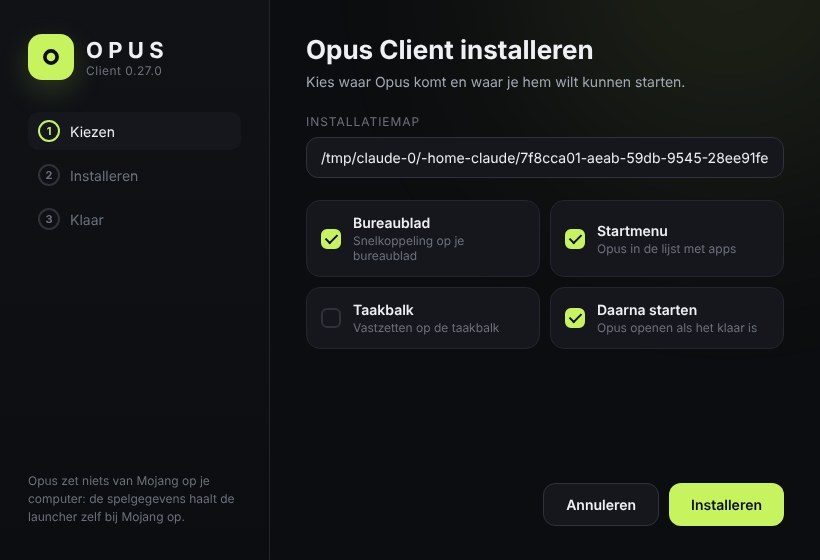
Opus only installs into your own user folder, needs no administrator rights and verifies every update before installing it. You can always remove it through Settings > Apps.
Does it have cheats?
No. No x-ray, killaura, flying in survival or anything else that gives you an unfair advantage. Extra features are only things you could also do with regular mods.
How do I get updates?
Automatically. The launcher regularly checks for a new version and updates itself with one click.